Demo

Off unless you turn it on. Starting it restarts the demo, so each scene begins on a bar of the music.
What it does
Display only
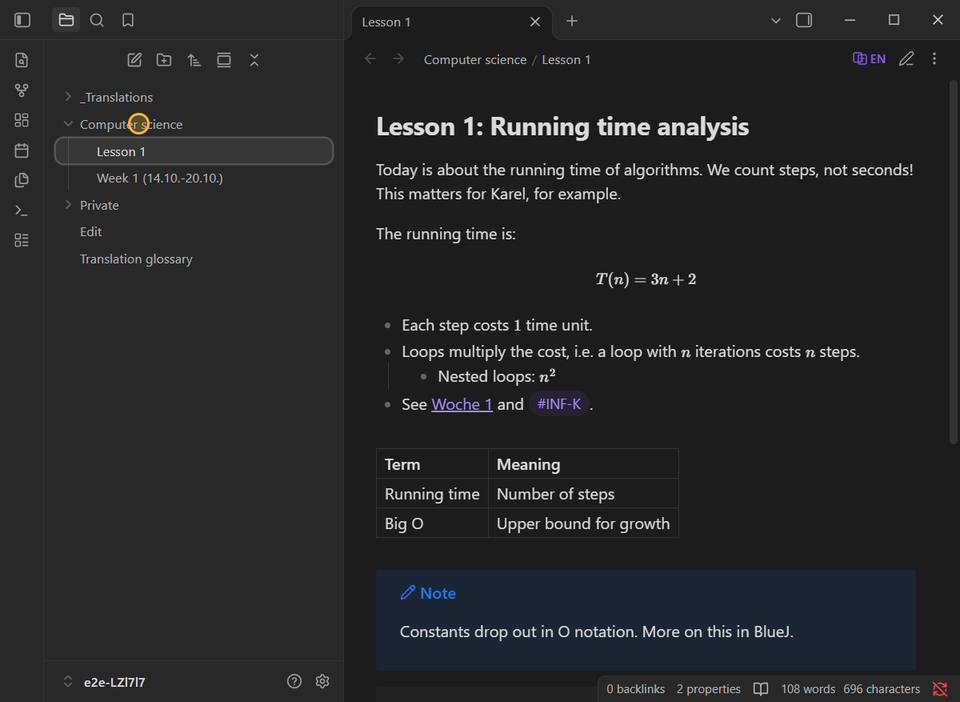
Original, English and German are views. A mode switch or a translation never rewrites your Markdown, so search, backlinks and sync keep seeing what you wrote.
Mixed-language notes
Sentences are translated one by one, so a paragraph that switches language halfway comes out fully in the target language.
Syntax stays intact
Links, embeds, tags, math, code, footnotes and frontmatter are protected and never sent for rewriting.
Edit in translated views
Click a translated sentence to edit it, in Reading view or Live Preview. Every change is a normal editor change that undo reverts.
A glossary that learns
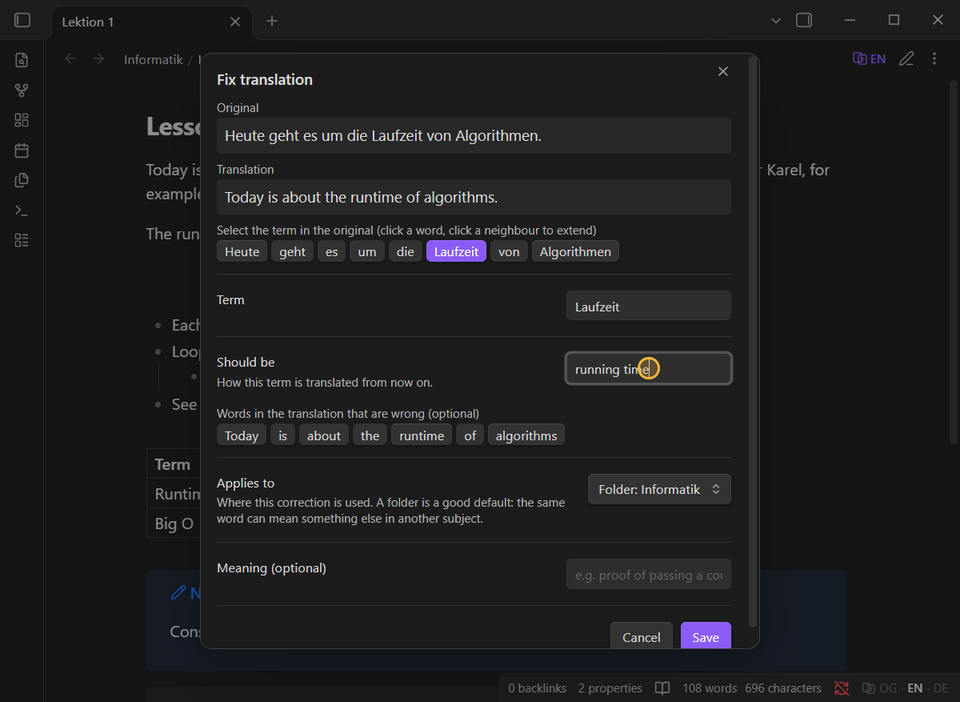
Fix a term once from the right-click menu and it applies to every sentence that contains it, per note, folder, tag or vault.
File and folder names
Optionally show translated names in the explorer, tabs and titles. Nothing is ever renamed.
Bring your own model
Any OpenAI-compatible endpoint: a local server such as LM Studio, or a cloud provider. Each sentence is translated once and cached in your vault.
Works on mobile
Phones and tablets show translations made on a desktop and synced. They never call an API and need no key.
Install
Requires Obsidian 1.11.4 or later.
From Obsidian
Once the plugin is listed in the community directory: Settings → Community plugins → Browse, search for "Transparent Translate", then Install and Enable.
Manually
- Download
main.js,manifest.jsonandstyles.cssfrom the latest release. - Copy them to
<your vault>/.obsidian/plugins/transparent-translate/. - Reload Obsidian and enable Transparent Translate under Settings → Community plugins.
Set up
Open Settings → Transparent Translate, pick a provider (LM Studio, OpenAI, OpenRouter, Meta Model API or any OpenAI-compatible endpoint), choose a model and select Test. Then open a note and select the language button in its header.
Privacy: when you switch a note to English or German, the text of its sentences is sent to the endpoint you configure, and only there. With a local server nothing leaves your computer. The plugin has no telemetry. See Privacy and network use.
Support
Transparent Translate is free and open source. If it saves you time, you can buy me a coffee.